SVG vs DXF vs EPS vs PDF: which rhinestone template file to use
SVG vs DXF vs EPS vs PDF for rhinestone templates: which file opens in your cutting software, which prints at true size, and how to keep every hole right.
In the SVG vs DXF vs EPS vs PDF choice for a rhinestone template, SVG is the file to use in most cutting software, including Cricut Maker and Explore. Use DXF or EPS if your software doesn't open SVG, the PDF to print the design at true size, and the PNG only as a preview picture.
Every pack in our shop includes all five files for every design and every stone size, so you can open whichever one your software handles best.
The file types at a glance
| SVG | DXF | EPS | ||
|---|---|---|---|---|
| Main use | Cutting | Cutting | Cutting and design programs | Printing at true size |
| Opens in | Most cutting software | Many cutting and drafting programs | Design programs, some cutting software | Any PDF reader, some cutting software |
| Vector (sharp at any size) | Yes | Yes | Yes | Yes |
| Size on import | Usually right | Units can differ: check | Usually right: check | Print at 100% |
| Use it when | First choice | SVG won't open | Your software asks for it | Checking size and placement |
SVG
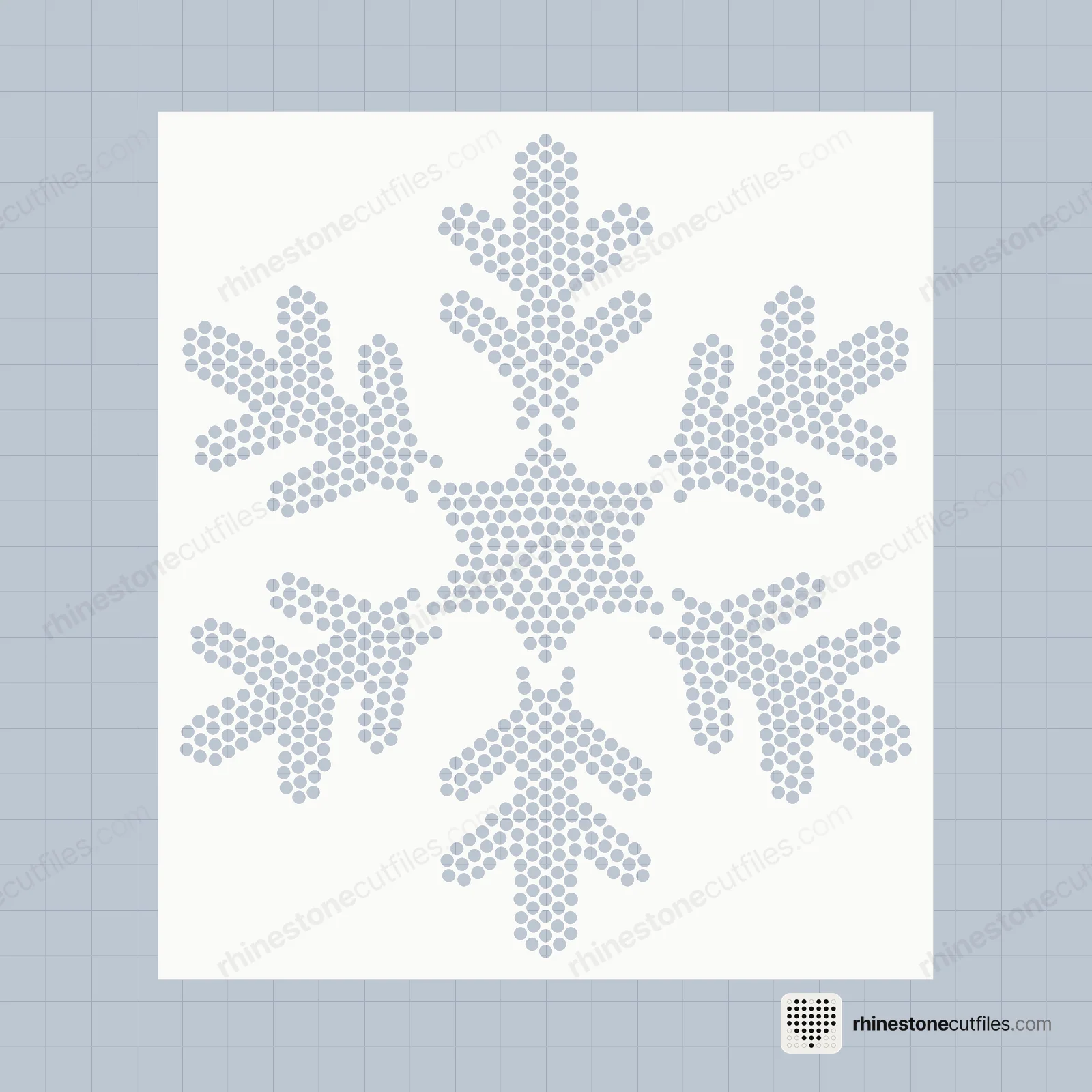
SVG is a vector file that most cutting software opens directly. Each hole is a clean circle, so it cuts the same size every time. It's the file to try first.
After you import it, measure one hole: .100 in for SS6, .135 in for SS10 and .176 in for SS16. If the hole is off, the file was scaled on the way in. Undo and import again at 100% rather than stretching it to fit.
DXF
DXF is an older vector format from drafting software. Some cutting programs open DXF in their basic version but need an upgrade for SVG, so it's a useful backup. DXF files don't always carry their units, so the design can arrive at the wrong scale. Measure a hole after import, and never resize by eye.
EPS
EPS is a vector format used by design programs and some cutting software. Use it if your software prefers it, or if you want to view the template in a design program. If you do open it there, leave the holes exactly as they are: moving or scaling them changes the spacing between holes.
The PDF prints at true size. Print it at 100% ("actual size", not "fit to page"), and you can hold the paper against a shirt to check size and placement before you cut any flock. Our placement guide shows where the design usually sits.
Some cutting software can also import a PDF. If yours does, check the hole size the same way as for the SVG.
PNG
The PNG is a picture of the design for previews, mockups and showing customers. Don't cut from it: tracing an image can change the hole sizes and gaps, and the stones won't fit.
Multi-colour designs
Multi-colour packs have two folders. The Multi Colour folder has one template per stone colour, all with the same 0.25 in cutting box so they line up. The One Colour folder has every hole in one template. See one colour vs multi colour templates.
Which should you pick?
- Pick SVG if you use most home cutting software. Try it first.
- Pick DXF if your software won't open SVG, or your version only takes DXF.
- Pick EPS if your software or design program asks for it.
- Pick PDF if you want to print the design at true size and check it on the shirt.
- Pick PNG only to look at the design or show it to someone.
Whatever the file, import at 100% and never resize. To go bigger or smaller, open the SS6 or SS16 file instead: see SS6 vs SS10 vs SS16.
FAQ
What file format do I need for a rhinestone template?
An SVG works in most cutting software. If yours doesn't open SVG, use the DXF or EPS. All of them are in every pack, for every stone size.
Why are my rhinestone template holes the wrong size?
The file was scaled on import or by hand. Undo, import again at 100%, and measure a hole: SS6 holes are .100 in, SS10 .135 in and SS16 .176 in. Our troubleshooting guide covers other cutting problems.
Can I cut a rhinestone template from a PDF?
Some cutting software can import a PDF. Check the hole size after import. If yours can't, use the SVG or DXF; the PDF is mainly for printing at true size.
Can I use the PNG file to cut a template?
We don't suggest it. Tracing an image can change hole sizes and the gaps between holes. Use a vector file: SVG, DXF or EPS.