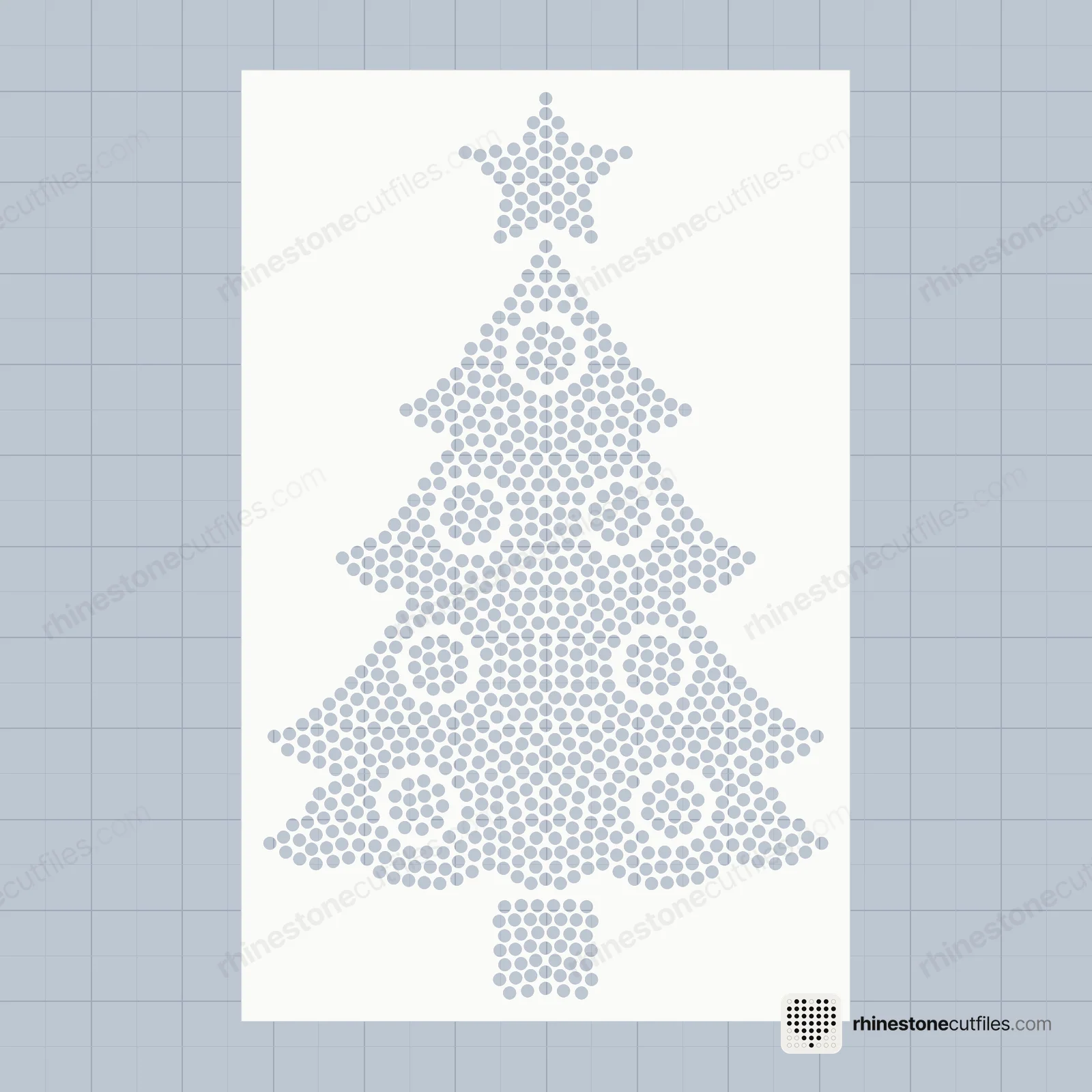
A rhinestone template is a sheet with one hole for every stone. You cut it once and use it again and again.
What you need
- A cutting machine that cuts rhinestone flock (Cricut Maker and Explore, and others)
- Rhinestone template material (flock), a backer board and transfer tape
- Hotfix rhinestones in the size of the file: SS6, SS10 or SS16
- A heat press or iron, and a shirt
1. Cut
Open the SVG in your cutting software. Don't resize it: the holes are cut to the stone. Cut it from the flock and weed out the little circles.
2. Brush
Stick the template on a backer board. Pour stones on and brush them around in small circles until every hole is filled, shiny side up. Brush the spares away.
3. Lift
Lay transfer tape over the stones, press it down well and lift. The whole design comes up in one piece.
4. Press
Place it on the shirt and heat press. The How-to-Use PDF in every pack has the heat settings and fixes for common problems.
More than one colour
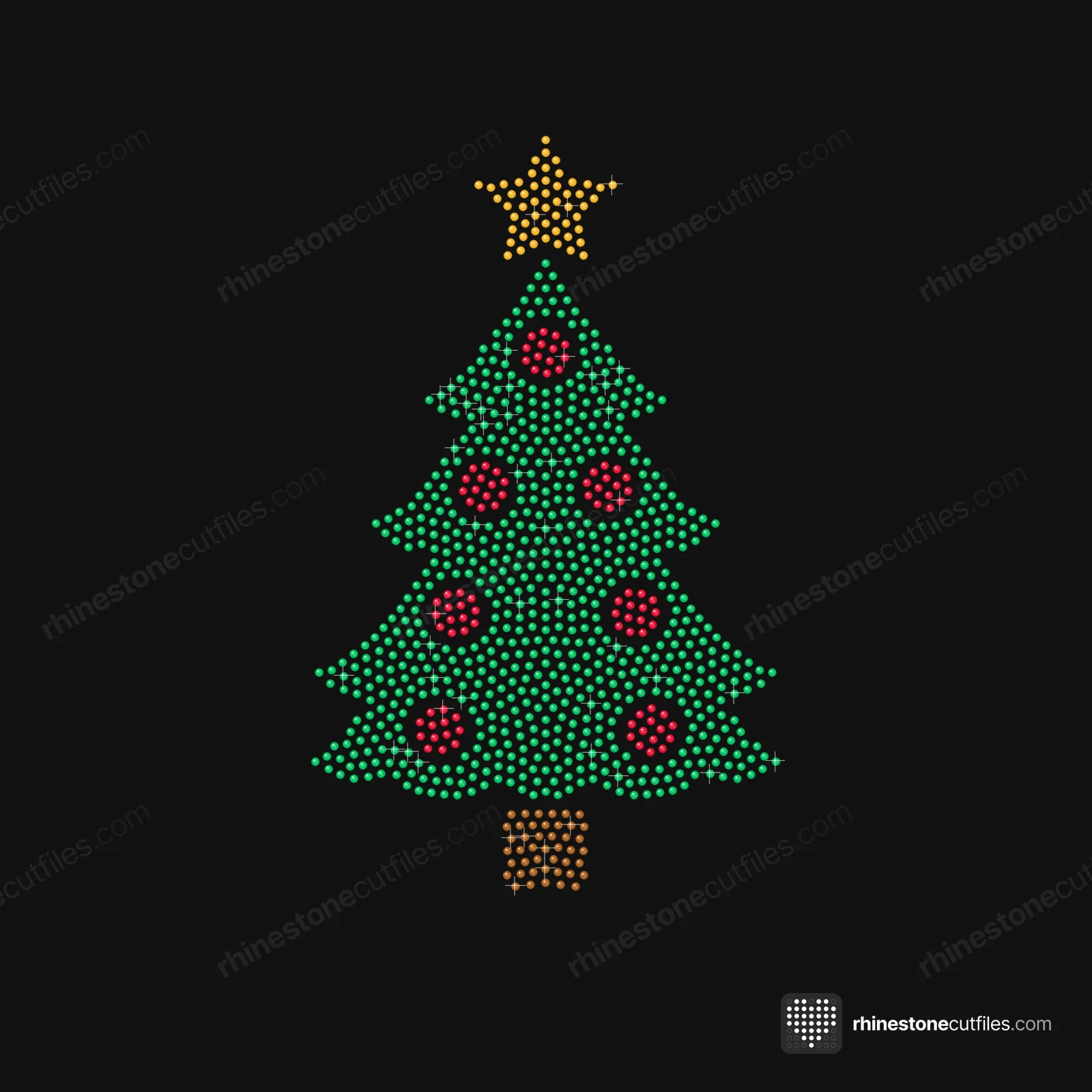
Multi-colour designs come with one template per colour, all with the same cutting box. Fill colour 1, lift it, line template 2 up under it, then fill colour 2. Or use the One Colour template and any stone colour you like.
Which stone size?
| Size | Stone | Looks |
|---|---|---|
| SS6 | 2.0 mm | Fine and delicate, smaller design |
| SS10 | 2.8 mm | The most popular size |
| SS16 | 3.9 mm | Bold, bigger sparkle |
Every pack has SS6 and SS10. Most also have SS16; it is left out where the bigger stones would make the design too big for the 12 × 12 in mat. Each product page lists its sizes.