One colour vs multi colour rhinestone templates
One colour vs multi colour rhinestone templates: how each works, the time it takes, how many stones to buy, and when to fill a colour design in one shade.
A one colour rhinestone template has every hole in one stencil, so you cut once, fill once and press; a multi colour template splits the design into one stencil per stone colour, which you fill and lift in turn. One colour is faster and simpler, while multi colour gives the full look of the design.
With our multi-colour designs you don't have to choose up front. Each pack has a Multi Colour folder (one template per stone colour) and a One Colour folder (every hole in one template).
One colour vs multi colour at a glance
| One colour template | Multi colour templates | |
|---|---|---|
| Templates to cut | One | One per stone colour |
| Filling | Fill once, lift once | Fill and lift each colour in turn |
| Lining up | Nothing to line up | Line up the cutting boxes for each colour |
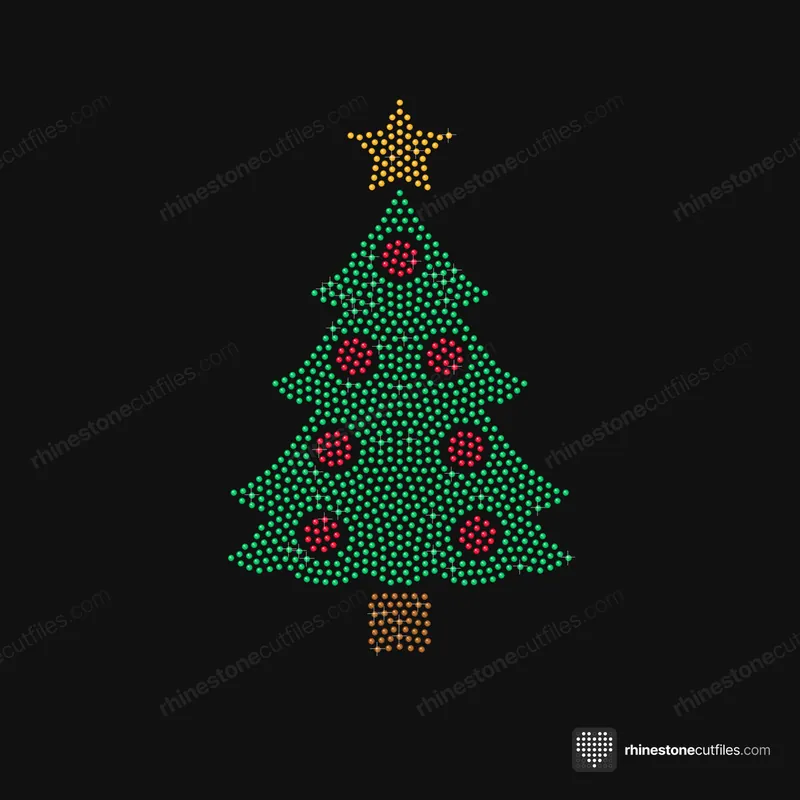
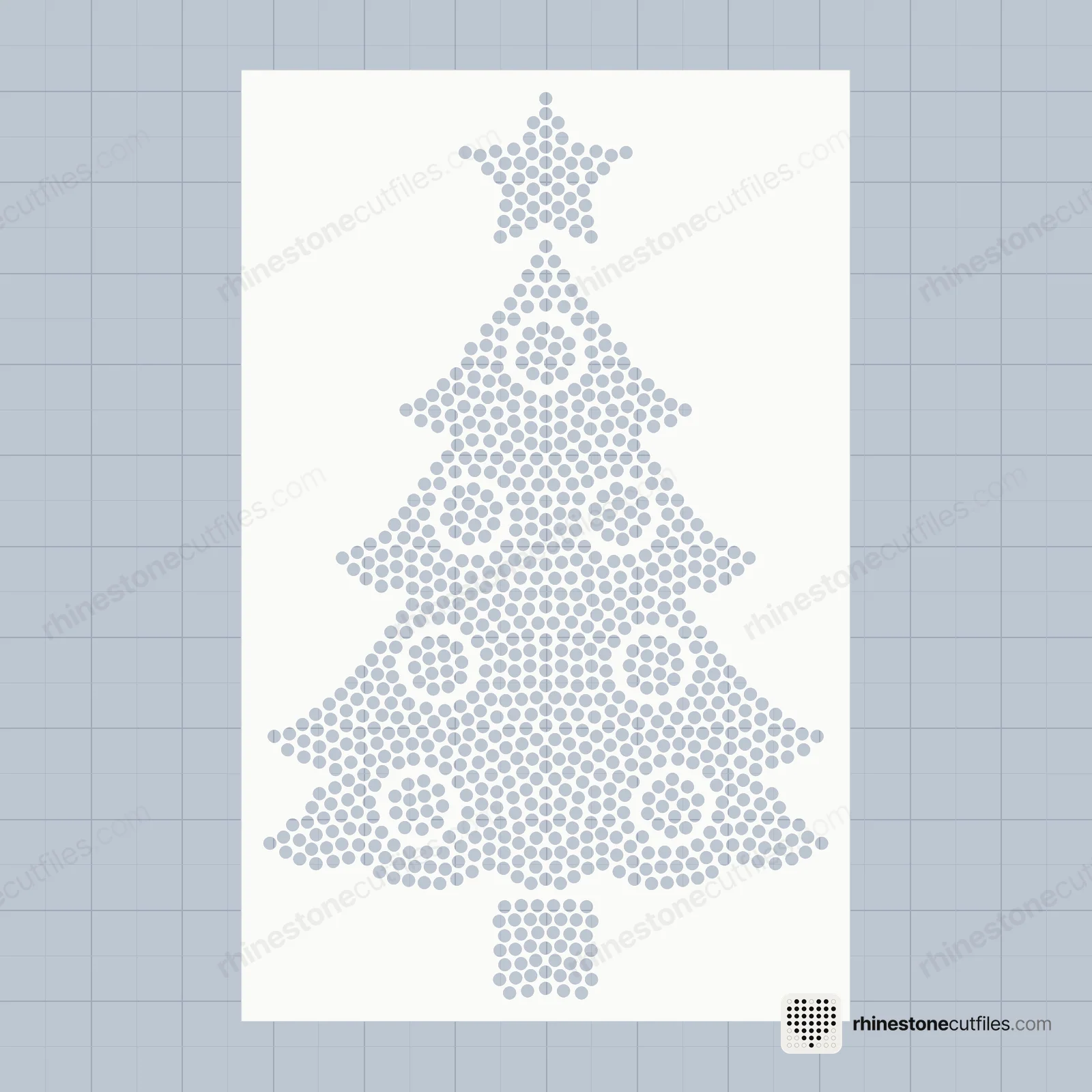
| Christmas Tree at SS10 | 910 stones, 7 gross | Four colours, 9 gross |
| Look | One shade, clean and simple | The full design, with colour detail |
| Best for | First shirts, quick orders, matching sets | Pictures that need colour to read |
One colour templates
A one colour template holds every hole of the design in a single stencil. You cut it, weed it, brush in one colour of stone and lift it all at once. It's the quickest way to make a rhinestone shirt, and there's nothing to line up.
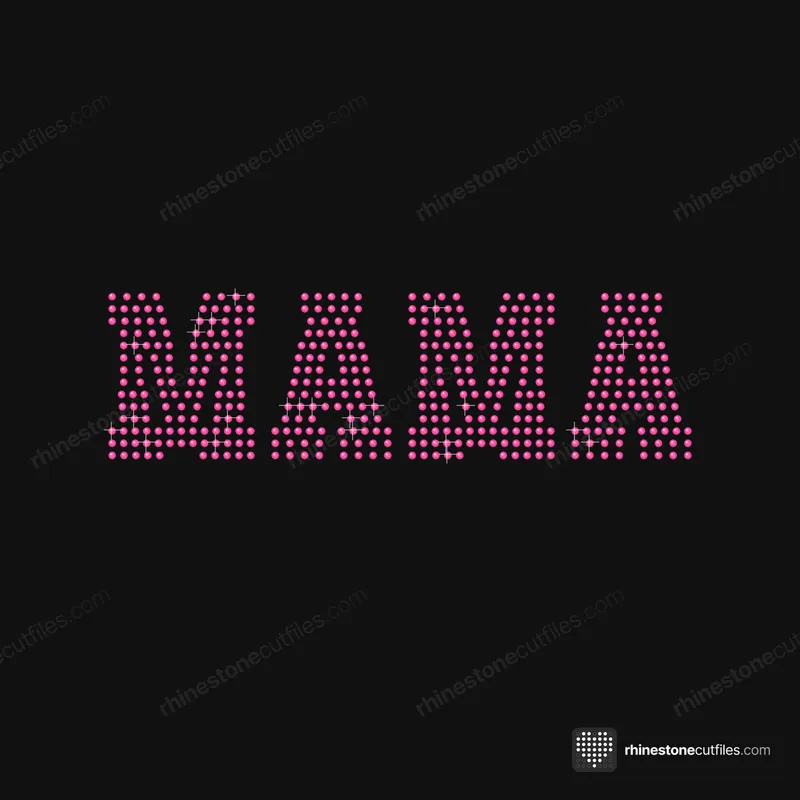
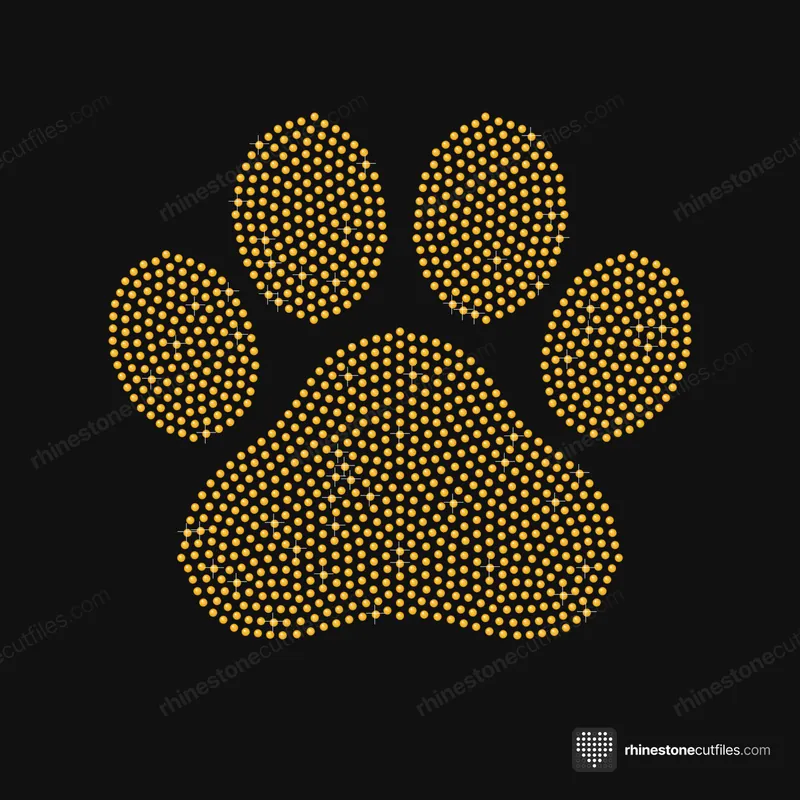
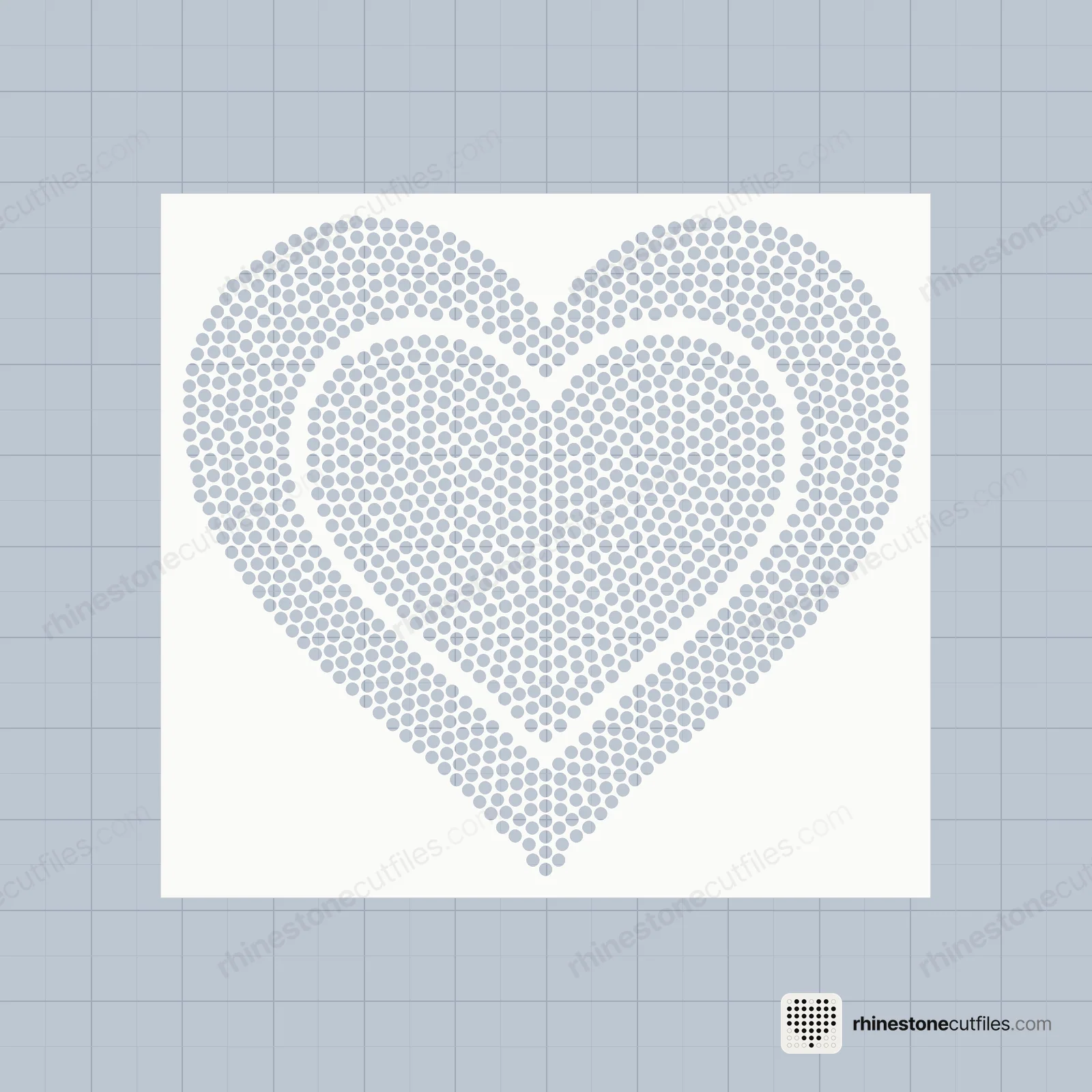
Some designs are one colour by nature, such as our Mama in pink (450 stones at SS10) and Paw Print in gold (1,228 stones). For multi-colour designs, the One Colour folder lets you fill the whole shape in one shade, like an all-crystal or all-gold version. Fewer colours also means less spare stock, because you round up to whole gross once instead of once per colour.
Multi colour templates
A multi colour design comes as one template per stone colour, all with the same cutting box so they line up. Our Christmas Tree has four: Green 715, Red 97, Gold 54 and Brown 44 stones at SS10.
The method:
- Fill colour 1 and lift it with transfer tape.
- Lay parchment on template 2 and set the tape on top.
- Slide the tape until the cutting boxes line up, then tape one edge as a hinge.
- Slide the parchment out and rub to pick up colour 2.
- Repeat for each colour, then press once.
It takes longer than one colour, but the result is the full design. Our multi-colour guide goes through it with pictures.
How many stones to buy
Stones are often sold by the gross (144). Add about 10% spare and round up per colour. For the Christmas Tree at SS10:
- One colour: 910 stones plus 10% is 1,001, so 7 gross.
- Four colours: Green 787 (6 gross), Red 107 (1), Gold 60 (1) and Brown 49 (1), so 9 gross in all.
The extra two gross come from rounding up each small colour. Every product page shows these per-colour numbers, and how many rhinestones do I need explains the sums.
Stone calculator
1 gross = 144 stones. Each colour is rounded up. SS16 colour counts are estimated from SS10.
Which should you pick?
- Pick one colour if it's your first rhinestone shirt, or you want the fastest fill.
- Pick one colour if you're making a group set in one shade and want every shirt to match.
- Pick multi colour if the design needs colour to read, like a tree with a trunk and ornaments.
- Pick multi colour if the shirt is a gift or an order where detail matters.
You can also do both from one pack: a multi-colour shirt for you and quick one-colour versions for the group.
FAQ
How do you line up a multi colour rhinestone template?
Every colour's template has the same cutting box. Lay parchment on the next template, set the tape with colour 1 on top, slide until the boxes line up, tape one edge as a hinge, then slide the parchment out and rub.
Why don't my rhinestone colours line up?
The templates moved. Keep each template stuck to its backer, line up the cutting boxes, hinge the tape on one edge, and slide the parchment out without lifting the tape.
Can I make a multi colour design in one colour?
Yes. Use the One Colour folder: every hole is in one template, so you can fill the whole design with a single stone colour.
Do multi colour designs need more stones?
The design has the same number of holes either way. You may buy a little more stock, because you round up to whole gross for each colour.