Multi-Colour Rhinestone Designs: How to Line Up Each Colour
How to make multi-colour rhinestone designs: one template per colour, the parchment hinge method to line them up, stone counts and one colour options.
A multi-colour rhinestone design uses one template per stone colour. You fill and lift the first colour with transfer tape, then pick up each next colour from its own template, lining up the matching cutting boxes so every stone lands in the right place.
It takes a few more steps than a one-colour design, but the method is the same every time. Once you have done it on one design, you can do it on any of them.
What is in a multi-colour pack
Every multi-colour design comes with two folders:
- Multi Colour: one template per stone colour, all with the same cutting box, so they line up.
- One Colour: every hole in one template, for a single-colour version in any colour you like.
Both come in every stone size the design is made in (SS6, SS10 and, for most designs, SS16), as SVG, DXF, PDF, EPS and PNG files.
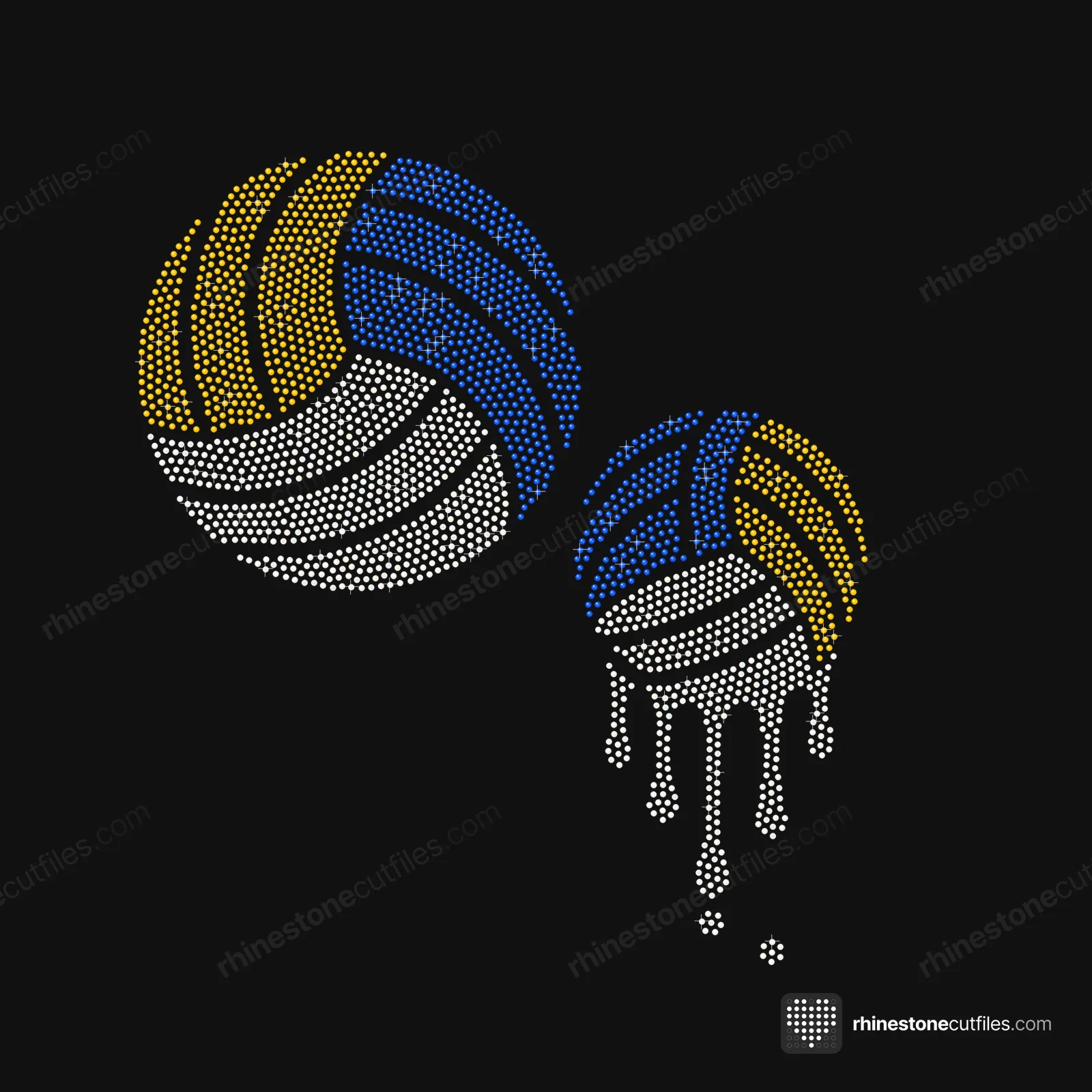
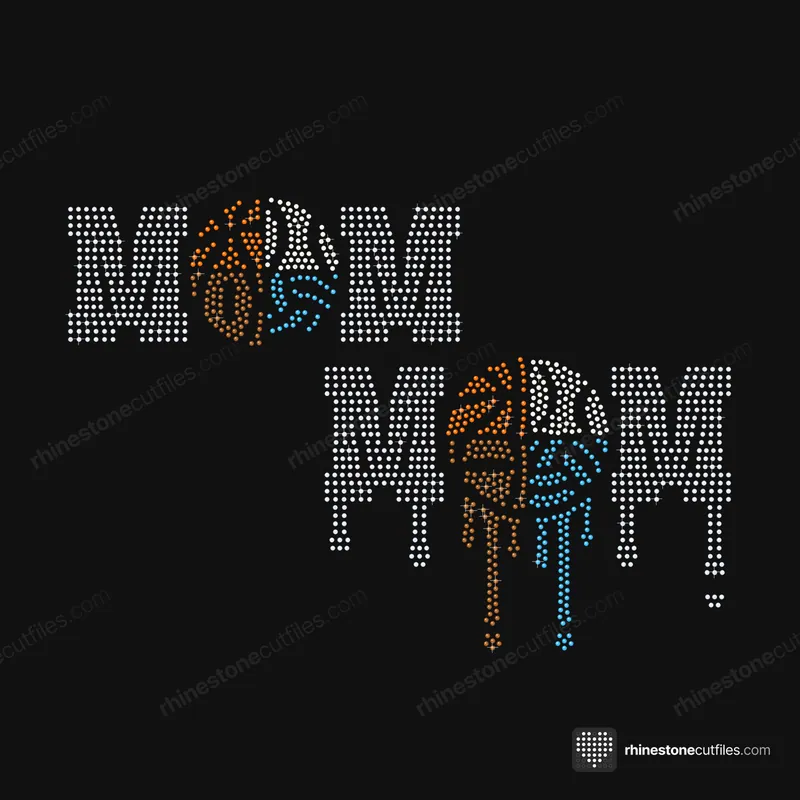
The Volleyball Drip Set, for example, uses three colours at SS10: White 409, Yellow 178 and Blue 197. That is three templates to cut, plus the One Colour version if you want it.
What you need
- One cut and weeded template per colour, each stuck on a backer board
- Hotfix stones in each colour, in the stone size of the files
- One sheet of clear hotfix transfer tape for the whole design
- A sheet of parchment a little bigger than the design
- A short piece of tape for the hinge
Label each template with its colour as you weed it. Templates for different colours can look alike at a glance.
Step by step: the hinge method
- Cut every colour template from flock, cutting box included, and weed out the circles.
- Stick each template on a backer board.
- Fill the first template with colour 1, brushing in small circles until every hole has a stone, shiny side up.
- Lay the transfer tape over it, rub it down well and lift. Colour 1 is now on the tape.
- Fill the second template with colour 2 in the same way.
- Lay the parchment over template 2.
- Set the tape, with colour 1 on it, sticky side down on the parchment. The parchment stops the tape grabbing colour 2 while you move it.
- Slide the tape until the colours line up. Every template has the same box, so line up the box edges as well as the stones.
- Tape one edge of the transfer tape down as a hinge.
- Slide the parchment out without moving the tape.
- Lay the tape down and rub it well to pick up colour 2, then lift.
- Repeat steps 5 to 11 for each remaining colour.
When every colour is on the tape, press the design as normal. Our heat press settings guide has the settings.
Tips for clean colour changes
- Keep each colour of stone in its own container, labelled with colour and size.
- Work on a flat, steady table, and don't move the templates while the hinge is in place.
- Check the tape after each colour. A missing stone is easy to add by hand now and harder later.
- If a colour is off, lift the hinged tape, slide the parchment back in and line it up again before you rub.
- Some crafters mark the box corners on the tape with a fine marker when they lift colour 1. It makes the next colours quicker to line up.
Count stones for every colour
Buy stones per colour, with about 10% spare, rounded up to whole gross (144 stones). For the Volleyball Drip Set at SS10:
| Colour | Stones | With 10% spare | Gross to buy |
|---|---|---|---|
| White | 409 | 450 | 4 |
| Yellow | 178 | 196 | 2 |
| Blue | 197 | 217 | 2 |
| Total | 784 | 863 | 8 |
As one colour, the same design is 784 stones plus 10%, or 863, which is 6 gross. Our guide to how many rhinestones you need has more worked examples.
Designs with many colours
Some designs use four or five colours. The more colours, the more templates, so plan a little extra time.
| Design | Colours at SS10 |
|---|---|
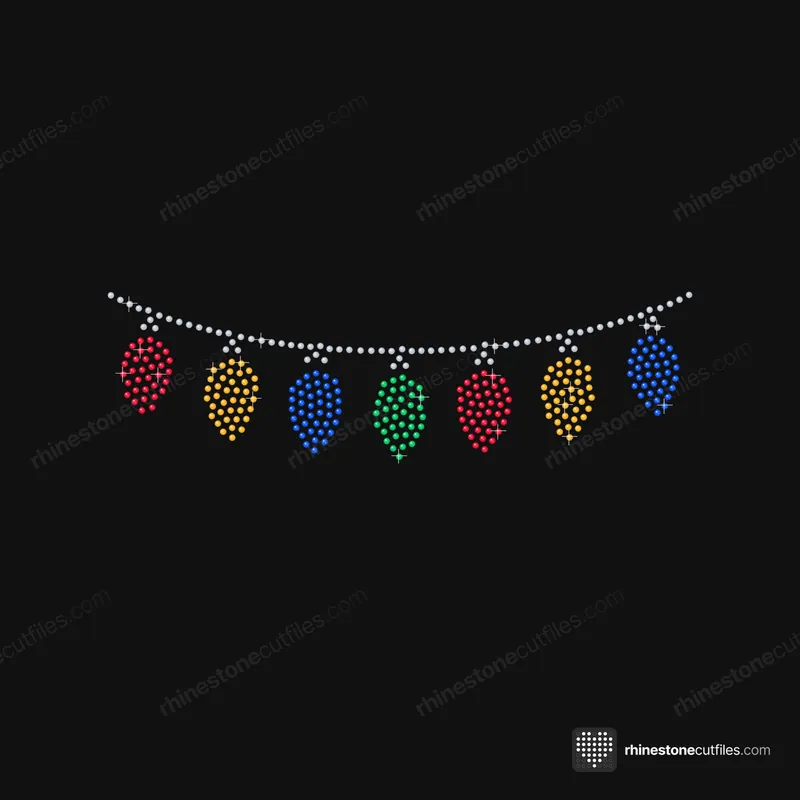
| Christmas Lights | Silver 79, Red 74, Gold 76, Blue 76, Green 37 |
| Multi-Sport Mom Drip Set | Crystal 499, Orange 60, White 77, Brown 115, Light Blue 107 |
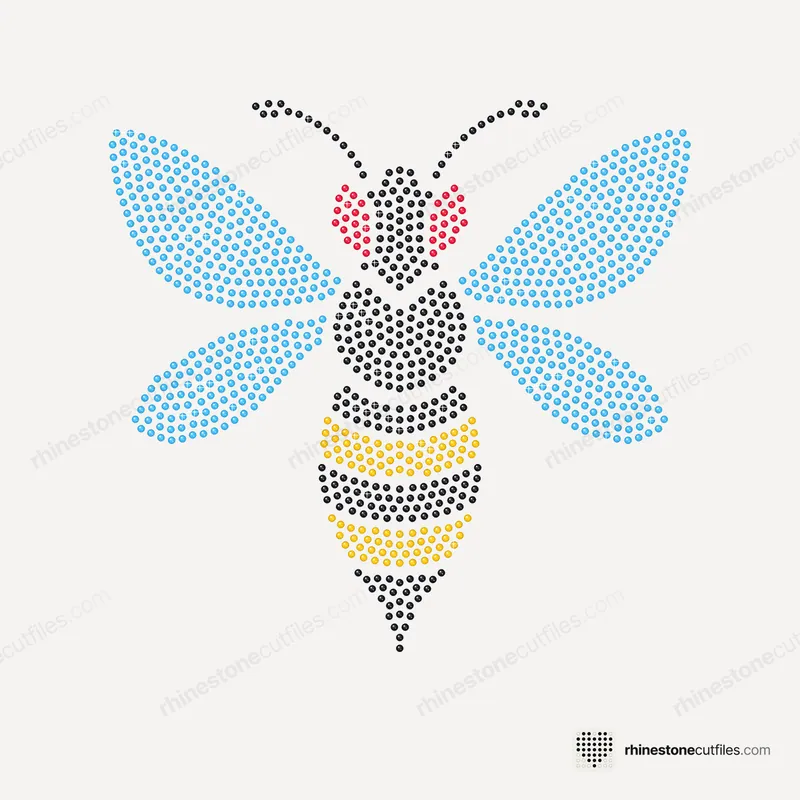
| Hornet Mascot | Jet 298, Yellow 98, Light Blue 628, Red 36 |
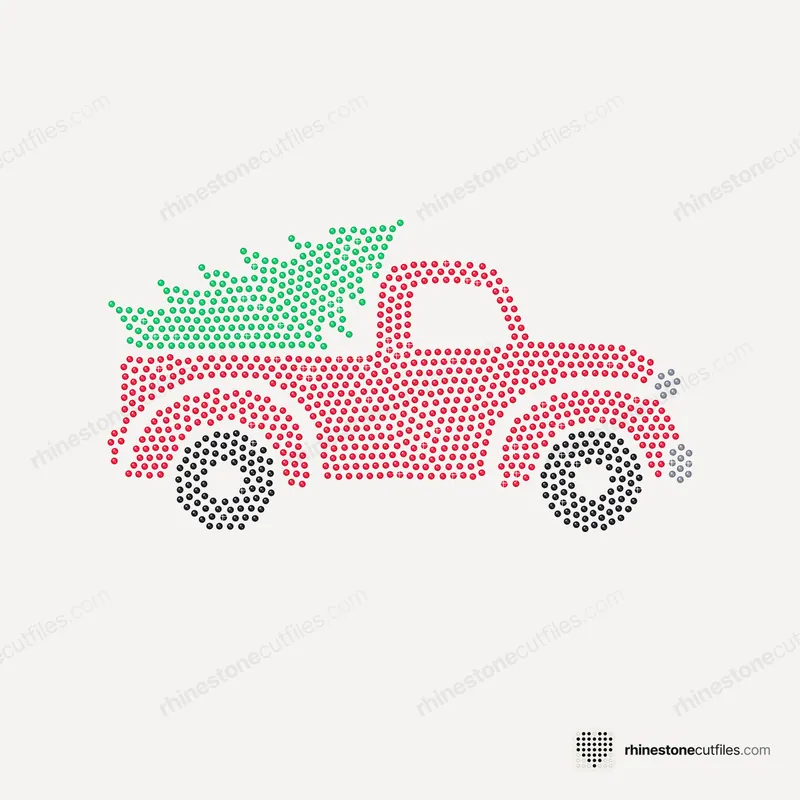
| Red Truck with Tree | Red 645, Jet 157, Green 226, Silver 17 |




One colour or many
Multi-colour gives you more contrast and detail. One colour means one cut, one fill and one lift, in any colour you like, which suits team colours and quick batches. One colour vs multi-colour templates compares the two side by side.
If colours slip out of line or stones go missing between colours, the troubleshooting guide lists the causes and fixes.
FAQ
How do you line up multi-colour rhinestone templates?
Lift colour 1 with transfer tape. Lay parchment on the filled template for colour 2, set the tape on top and slide it until the cutting boxes and colours line up. Tape one edge as a hinge, slide the parchment out and rub to pick up colour 2.
Do I need a separate template for each colour?
Yes, for a multi-colour design. Our Multi Colour folder has one template per stone colour, all with the same cutting box so they line up.
Can I make a multi-colour design in one colour?
Yes. Every multi-colour pack also has a One Colour folder with every hole in one template. Fill it with any colour you like.
Do I need new transfer tape for each colour?
No. One sheet of transfer tape picks up every colour in turn, so the whole design ends up on the same tape, ready to press.