Rhinestone Glossary: Template and Hotfix Terms from A to Z
A plain-English rhinestone glossary: backer board, flock, gross, hotfix, SS sizes, transfer tape, weeding and other words used in templates and tutorials.
This rhinestone glossary explains, in plain English, the words you will meet in rhinestone templates, tutorials and our product pages, from backer board to weeding. The terms are in A to Z order, with links to the guides that go deeper.
If you are new to bling shirts, start with how to make a rhinestone shirt, then come back here whenever a word trips you up.
A to C
Backer board. A firm sheet the template sticks to. It closes the bottom of the holes, so the stones sit in them while you brush.
Bling shirt. A shirt decorated with rhinestones. Also called a rhinestone shirt.
Box (cutting box). The 0.25 in border cut around every one of our designs. It gives the template a clean edge, and on multi-colour designs it lines the colour templates up.
Brushing. Filling a template by sweeping stones over it in small circles until every hole holds one stone, shiny side up.
Colour template. One template from a Multi Colour folder. It holds the holes for one stone colour only.
Cover sheet. A non-stick sheet or parchment laid over the transfer tape when you press. It protects the tape and the press.
Crystal. The usual name for clear stones.
Cut file. A digital file that tells a cutting machine what to cut. A rhinestone template SVG is a cut file.
Cutting machine. A machine that cuts shapes from a file. For templates, it must be able to cut rhinestone flock.
D to G
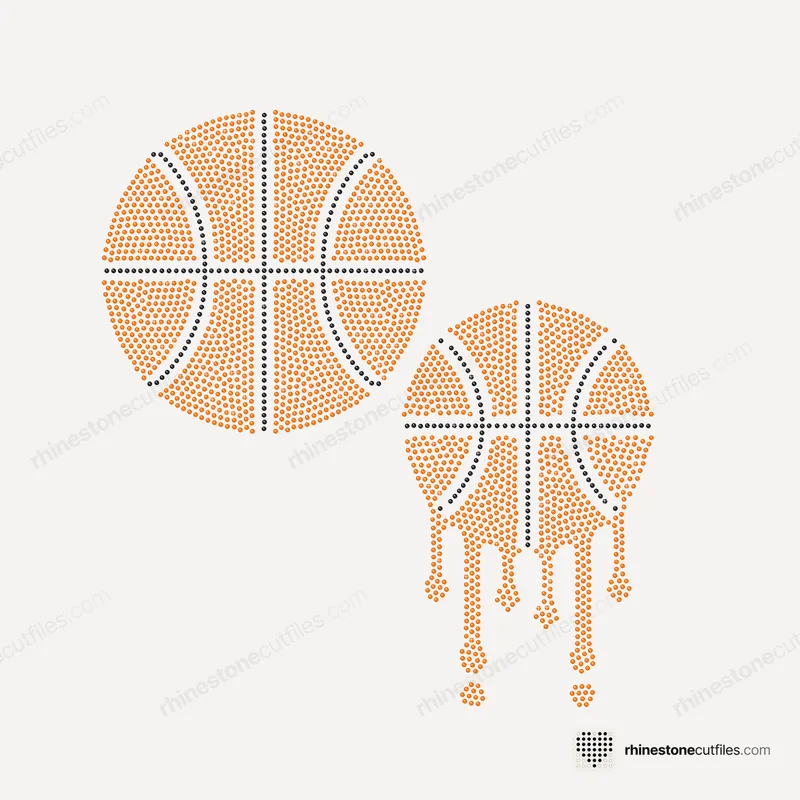
Drip design. A design with lines of stones running down from it like drips. Our sports Drip Sets come in two versions: Drip and No Drip. See drip rhinestone designs for ideas.
DXF. A cut file format that many cutting programs open. It is in every pack, alongside SVG, EPS, PDF and PNG.
EPS. A vector file format for design programs. Our file format comparison explains when to use each one.
Fill design. A design where whole areas are covered in stones. Ours are packed with no empty pockets. The opposite is an outline design.
Flatback. A stone with a flat back and a faceted, shiny top. Shirt rhinestones are flatbacks.
Flock (rhinestone flock). The thick, soft template material you cut. It comes on a paper backing that you peel off before sticking it to a backer board.
Gross. 144 stones. Stones are often sold by the gross.
H to M
Hinge. A piece of tape along one edge of the transfer tape. It holds the tape in place while you slide parchment out in the multi-colour method.
Hole size. The size of each template hole, slightly bigger than its stone: .100 in for SS6, .135 in for SS10, .176 in for SS16.
Hotfix. Stones with heat glue already on the back. Heat melts the glue into the fabric. Hotfix vs non-hotfix compares the two types.
How-to-Use guide. The PDF in each of our packs, with the steps for that design, heat settings and fixes for common problems.
Jet. The usual name for black stones.
Lift. Picking the filled design up off the template with transfer tape.
Mat. The sticky carrier sheet that takes material through a cutting machine. Our templates, box included, fit the 12 × 12 in mat (11.5 × 11.5 in cut area).
Multi Colour folder. In our packs, one template per stone colour, all with the same cutting box.
N to R
Non-hotfix. Flatback stones without heat glue. They are fixed with a separate glue instead.
One Colour folder. In our packs, every hole in one template, for a single-colour version in any colour.
Outline design. A design made of lines of stones that follow a shape, rather than a solid fill. Fill vs outline compares the two looks.
Parchment. Baking paper. Used as a cover sheet when pressing, and as a slip sheet in the multi-colour method.
PDF. In our packs, a file that prints at true size, handy for checking the size and placement.
PNG. A picture of the template, for reference.
Pre-press. Pressing the bare shirt for a few seconds to dry it and flatten it before you press the design.
Rhinestone template. A sheet of flock with one hole for every stone. You cut it once and use it for many shirts.
Rhinestone transfer. A finished design of stones on transfer tape, ready to press. A template is how you make transfers yourself.
S to Z
Spacing. The flock between holes. Ours is at least .03 in (0.76 mm), typically about 0.9 mm. Rhinestone template spacing explained has the diagram.
Spare stones. Stones over the design's count. We suggest about 10% extra for each colour.
SS (stone size). The size code for round flatback stones. The bigger the number, the bigger the stone.
SS6, SS10, SS16. Stones of 2.0 mm, 2.8 mm and 3.9 mm. SS10 is the most popular size for shirts. SS20 (4.7 mm) and SS30 (6.5 mm) also exist.
SVG. The vector file most cutting software opens. Start with this one.
Test cut. A small cut made before the full template, to check the machine setting goes through the flock.
Transfer tape. Clear tape that lifts the stones off the template and holds them in place on the shirt while you press. Use hotfix transfer tape made for rhinestones.
True size. The exact size a file is made at. Templates must be cut at true size, never resized.
Weeding. Lifting the cut circles out of the flock so every hole is open.




FAQ
What does SS mean in rhinestones?
SS is the stone size code for round flatback stones. The bigger the number, the bigger the stone: SS6 is 2.0 mm, SS10 is 2.8 mm and SS16 is 3.9 mm.
What is rhinestone flock?
Flock is the thick, soft material that rhinestone templates are cut from. It comes on a paper backing, which you peel off before sticking the cut template to a backer board.
What does hotfix mean?
Hotfix stones have heat glue already on the back. A heat press or iron melts the glue into the fabric, so you don't need any extra glue.
How many rhinestones are in a gross?
A gross is 144 stones. Many stones are sold by the gross, so divide the stones you need, plus about 10% spare, by 144 and round up for each colour.