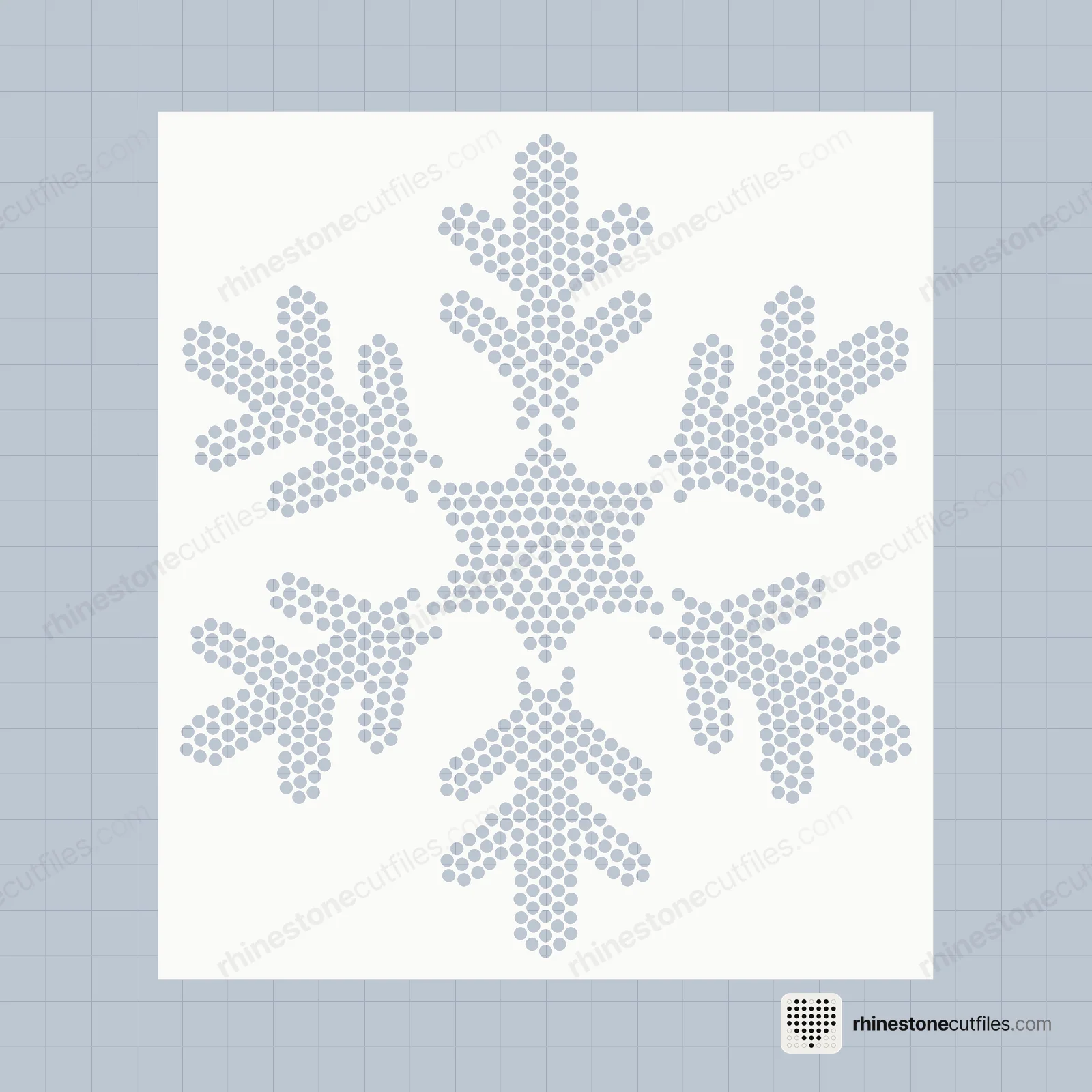
Rhinestone Template Spacing Explained: Holes, Gaps and the Cutting Box
Rhinestone template spacing explained: hole sizes for SS6, SS10 and SS16, the minimum gap between holes, the cutting box and why you never resize a file.
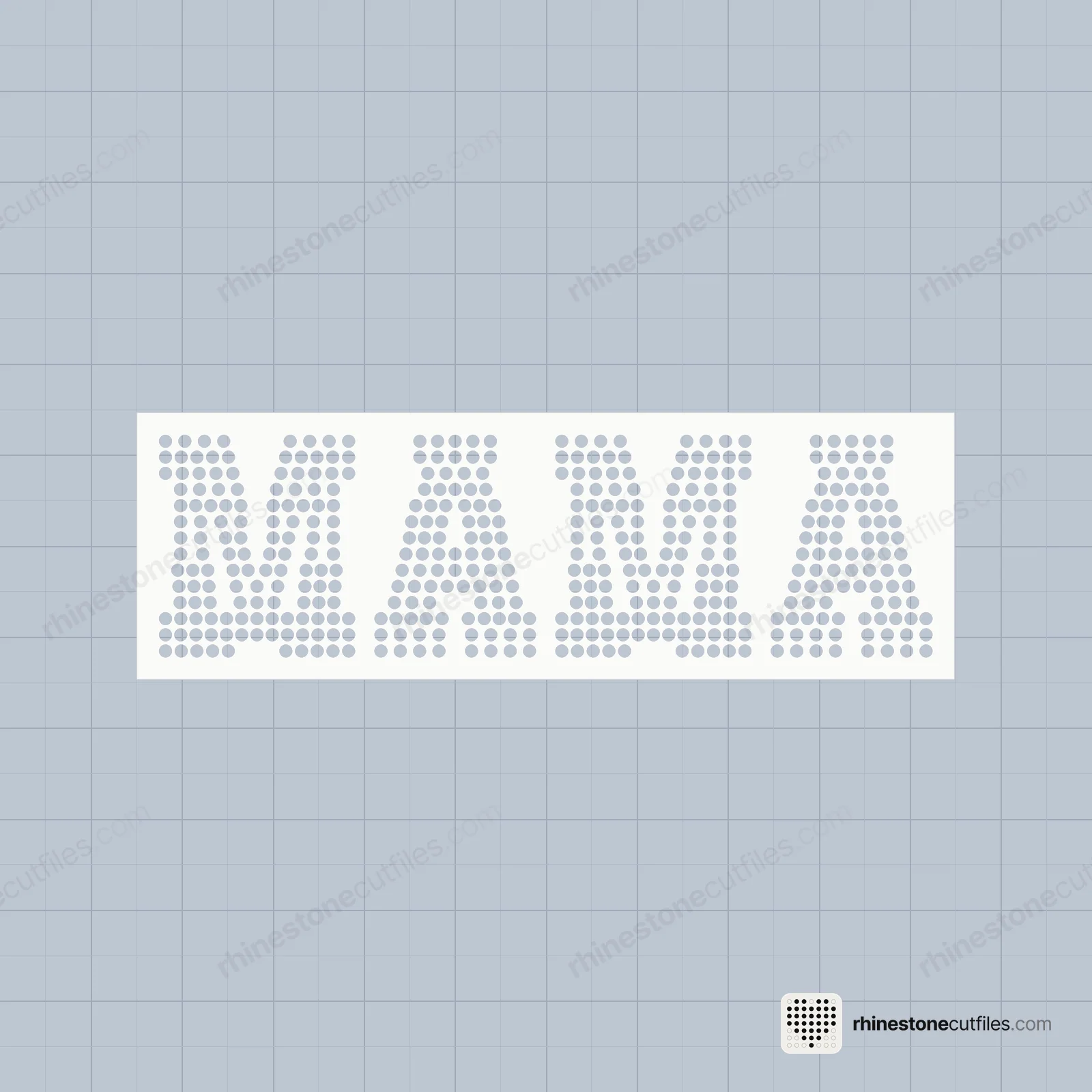
Rhinestone template spacing is the flock left between the holes. Our templates leave at least .03 in (0.76 mm) between holes, typically about 0.9 mm, and cut each hole a little bigger than its stone: an SS10 stone is 2.8 mm and its hole is .135 in (3.43 mm). A 0.25 in cutting box goes around every design.
Those three numbers, the hole, the gap and the box, decide whether a template cuts cleanly, fills quickly and lines up. Here is what each one does.
Hole size
A template hole is slightly bigger than its stone, so the stone can drop in and settle flat, shiny side up. Each stone size has its own hole size.
| Stone size | Stone | Template hole |
|---|---|---|
| SS6 | 2.0 mm | .100 in (2.54 mm) |
| SS10 | 2.8 mm | .135 in (3.43 mm) |
| SS16 | 3.9 mm | .176 in (4.47 mm) |
SS10 is the most popular size for shirts. SS20 (4.7 mm) and SS30 (6.5 mm) stones exist too, but we don't make templates for them.
The fit matters both ways. A hole that is too tight leaves stones sitting on top of the flock. A hole that is too loose lets them tip on their side or flip. That is why the stones you buy must match the size of the file you cut.
The gap between holes
The gap is the strip of flock between two neighbouring holes. Ours is never less than .03 in (0.76 mm) and is typically about 0.9 mm.
- Too thin, and the flock tears when you weed, or two holes merge into one.
- Too wide, and the design looks patchy on the shirt, with fabric showing between the stones.
- Even, and the stones sit close together in smooth rows.
Our filled areas are packed with no empty pockets, so a solid fill reads as solid sparkle on the shirt. If you are choosing between solid and line designs, fill vs outline rhinestone designs compares the two looks.
The cutting box
Every design has a 0.25 in cutting box around it, cut at the same time as the holes. It does two jobs.
- It gives the template a clean edge. The template comes off the mat as a neat shape that is easy to stick on a backer board, label and store.
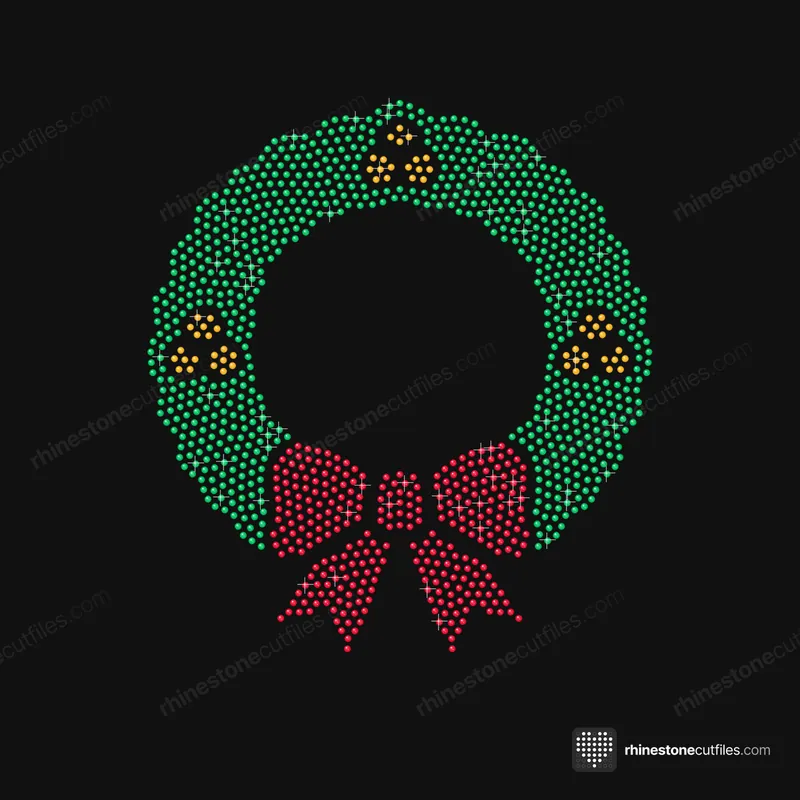
- It lines up the colours. On multi-colour designs, every colour template has the same box. When the boxes line up, the colours line up. Multi-colour rhinestone designs shows the hinge method that uses them.
Every template, box included, fits the 12 × 12 in mat with its 11.5 × 11.5 in cut area.
Why you must never resize a template
When you scale a template, the holes and the gaps change together. Scale it down and the holes become too small for the stones and the gaps too thin to weed. Scale it up and the holes become loose, so stones tip and flip.
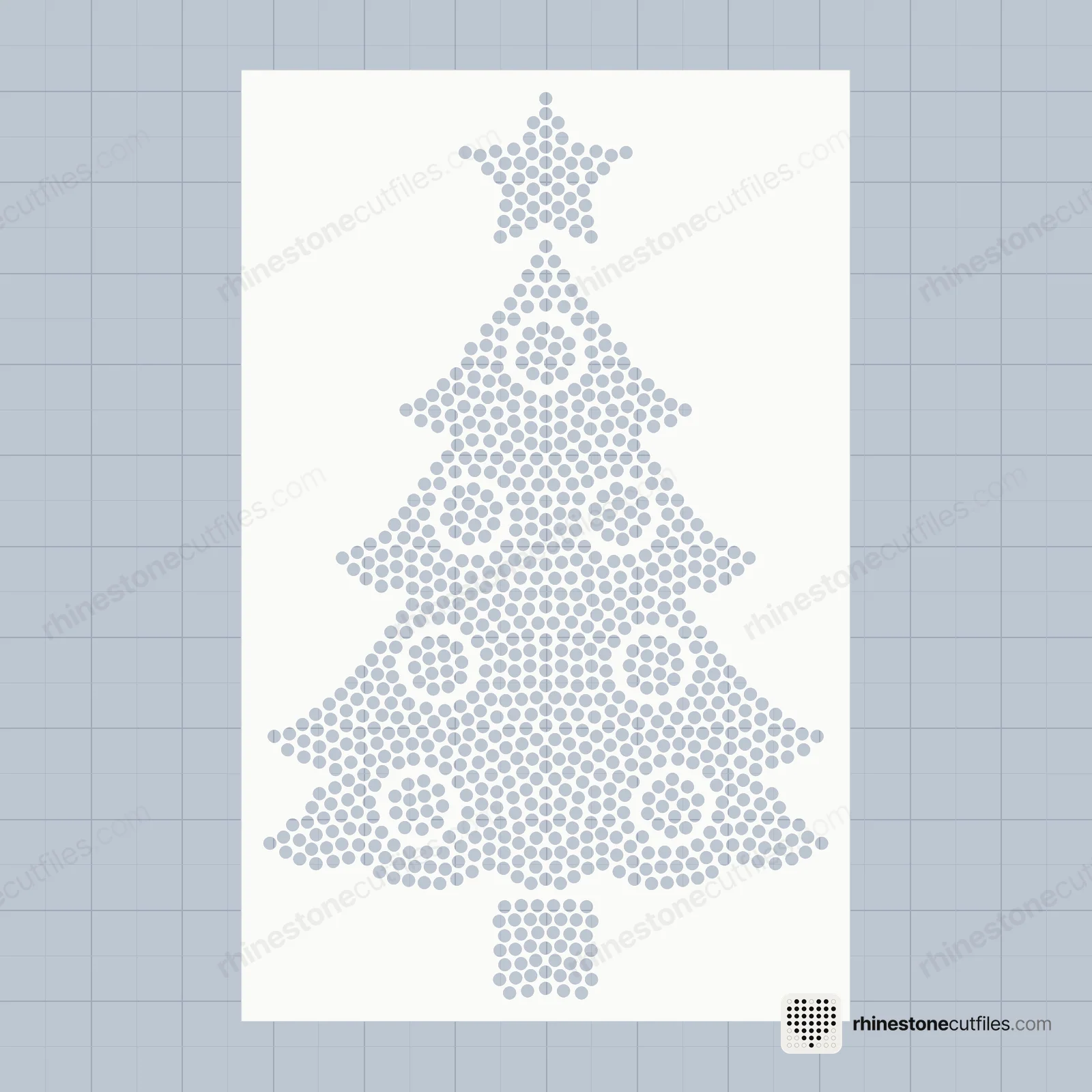
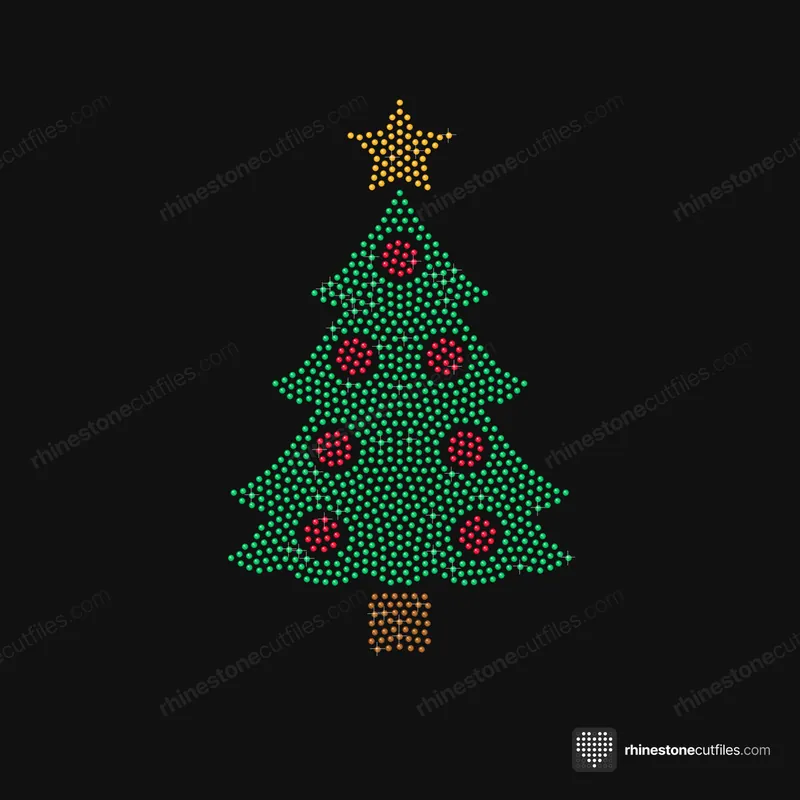
That is why each stone size is its own file at its own size. The SS6, SS10 and SS16 versions are laid out for their own stones, and the stone count can change between them. The Christmas Tree has 910 stones at SS6 (4.92 × 7.91 in) and at SS10 (6.2 × 9.97 in), but 711 at SS16 (6.63 × 10.67 in), because the bigger stones need more room.
Want a bigger design? Choose a bigger stone size rather than scaling the file. Our stone size comparison shows how each size looks on a shirt.
Check a file before you cut
- Open the file in your cutting software.
- Check the overall width and height against the product page.
- Zoom in and measure one hole. It should match the table above for the file's stone size.
- If both match, cut. If not, import the file again instead of scaling it.
Our guide on how to cut rhinestone templates covers the cut itself, from the flock setting to weeding.
How spacing shows up when you work
Good spacing is easy to miss because nothing goes wrong. You notice it when the circles weed out cleanly, the flock stays in one piece, the stones drop into place as you brush and the finished design looks even. If any of those steps fights you, the troubleshooting guide helps you find the cause.




FAQ
What size hole do SS10 rhinestones need?
SS10 stones are 2.8 mm, and our SS10 templates cut each hole at .135 in (3.43 mm). The hole is slightly bigger than the stone so it can drop in and sit flat.
How much space should be between rhinestones on a template?
Our templates leave at least .03 in (0.76 mm) of flock between holes, typically about 0.9 mm. That is enough to weed cleanly while keeping the stones close together.
Can I resize a rhinestone template?
No. Resizing changes the holes and the gaps together, so the stones stop fitting. For a bigger or smaller design, use the file for a different stone size.
Why is there a box around the rhinestone design?
The 0.25 in cutting box gives the template a clean edge and lines up the colour templates on multi-colour designs. Every template, box included, fits the 12 × 12 in mat.