How to Reuse and Store Rhinestone Templates
Rhinestone templates are reusable. How to clean them between shirts, store them flat on the backer board, label them and know when to cut a new one.
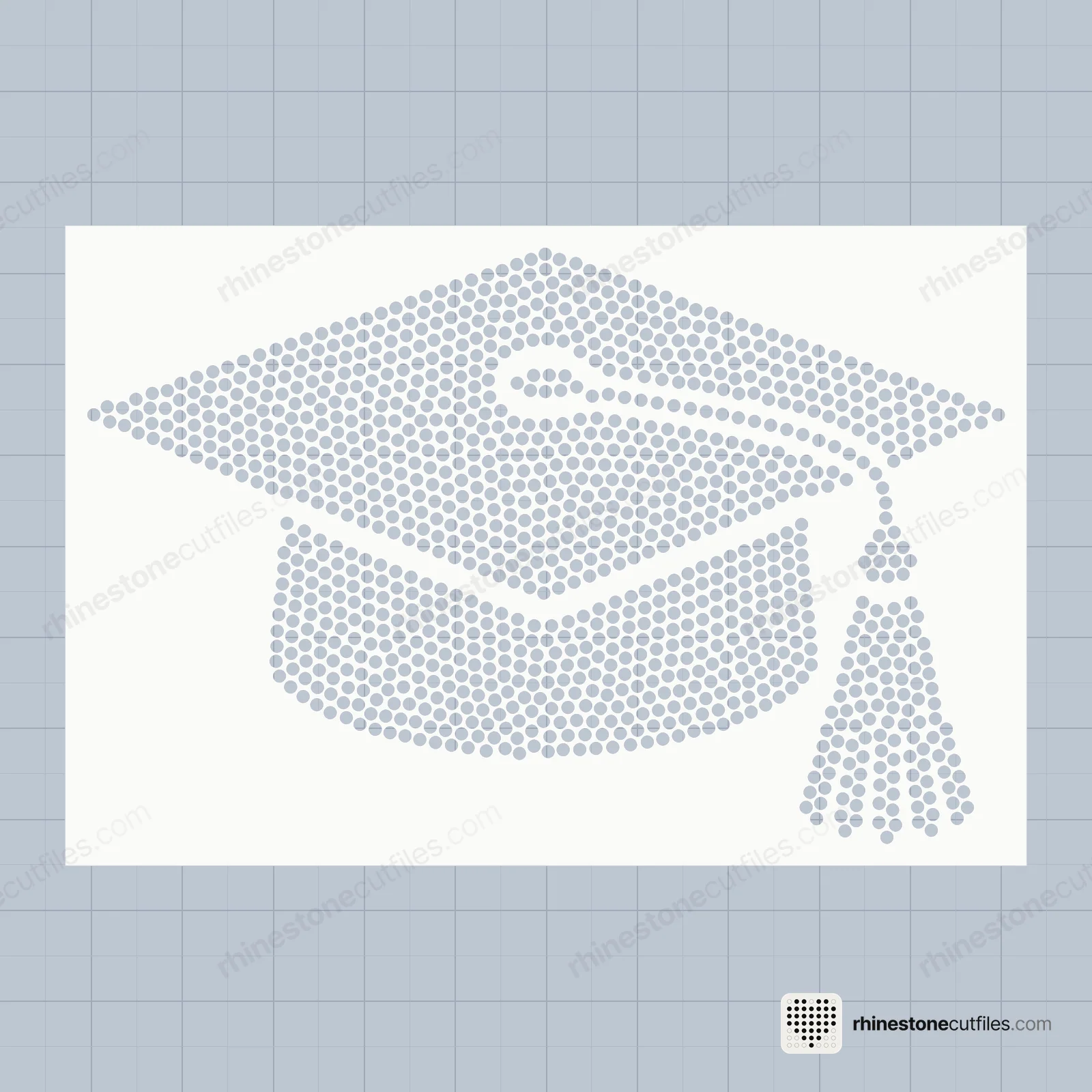
Yes, a rhinestone template is reusable: you cut it once and use it for shirt after shirt. To keep it working, leave it stuck to its backer board, brush it clean after each use and store it flat.
How long a template lasts depends on the flock and how you handle it, so we can't give a number of uses. Looked after, it keeps working until the flock wears or tears. And because you keep the files, you can cut a fresh one whenever you need to.
Why a template can be used again
Transfer tape picks up the stones, not the template. Once you lift a design, the holes are empty again and ready for the next fill. That is what makes a rhinestone template different from a ready-made rhinestone transfer, which you use once. Rhinestone template vs transfer compares the two.
It is also why templates suit batches. The slow work, cutting and weeding, happens once. Every shirt after that is brushing, lifting and pressing, as in how to make a rhinestone shirt.
After each use
- Brush the leftover stones off into their container. Keep each colour and size separate.
- Check every hole is empty. Pick out any stone stuck on its side with a weeding hook.
- Lift out any lint or fluff caught in the holes.
- Look for tears between holes and for lifted edges. Press lifted edges back down onto the board.
- Lay a sheet of plain paper over the template to keep dust off until next time.
Store it flat
- Keep it on its backer board. Peeling the flock off stretches it and can tear the thin strips between the holes.
- Store it flat. Don't roll or fold a template. A crease can stop stones sitting level in the holes.
- Stack with paper between. A sheet of paper between templates stops them catching on each other.
- Keep it cool and dry. Store templates away from direct sun, heat and damp.
- Use a flat box, folder or drawer. Anything that keeps the boards flat and clean works.
Label every template
Write on the backer board, not the flock:
- The design name
- The stone size: SS6, SS10 or SS16
- The stone colour, for multi-colour templates
The stone size matters most. An SS6 and an SS10 template of the same design can look alike at a glance, and the wrong stones won't fit the holes.
Keep a multi-colour set together. You need every colour template to make the design, and they only line up with each other because they share the same cutting box. If you also cut the One Colour template, store it with the set.
Making shirts in batches
A well-kept template makes batch work quick:
- Fill the template and lift the design with transfer tape.
- Press it onto the shirt.
- Brush stones back into the template and repeat.
Clear transfer tape can often be used for more than one lift while it is still sticky. Replace it when it stops picking up every stone. For a big order, cutting a second copy of the template lets two people fill at once. If you sell your shirts, starting a rhinestone shirt business covers the rest of the workflow.
When to cut a new template
- Holes have torn or merged into each other
- The flock has stretched, so stones sit crooked
- The template no longer lies flat on its board
- Stones keep flipping in the same spots even with careful brushing
- You need a second copy for a batch
Cutting a new one is easy: you keep the files. Cut it at true size from the same stone size file, exactly as the first time. How to cut rhinestone templates has the steps. If you have lost your download, you can find it again on the find my order page.
Keep the files safe too
Save your downloaded files somewhere backed up, along with the How-to-Use PDF guide for each design. Our licence lets you cut a template as many times as you need and sell the finished shirts you make. It doesn't let you share or resell the files.



FAQ
Can you reuse rhinestone templates?
Yes. Transfer tape lifts only the stones, so the template is empty and ready again after each design. Cut it once and use it for many shirts.
How many times can you use a rhinestone template?
It depends on the flock and how you handle it, so there is no fixed number. Keep it on its backer board, clean it after each use and store it flat, and it keeps working until the flock wears or tears.
How do you store rhinestone templates?
Leave each template stuck to its backer board and store it flat, with paper between templates. Label the board with the design, stone size and colour, and keep it cool and dry.
Can I share my rhinestone template files with a friend?
No. Our licence lets you make and sell finished shirts, and cut the template as often as you need, but not share or resell the files.